
SIMMS / One person
One person
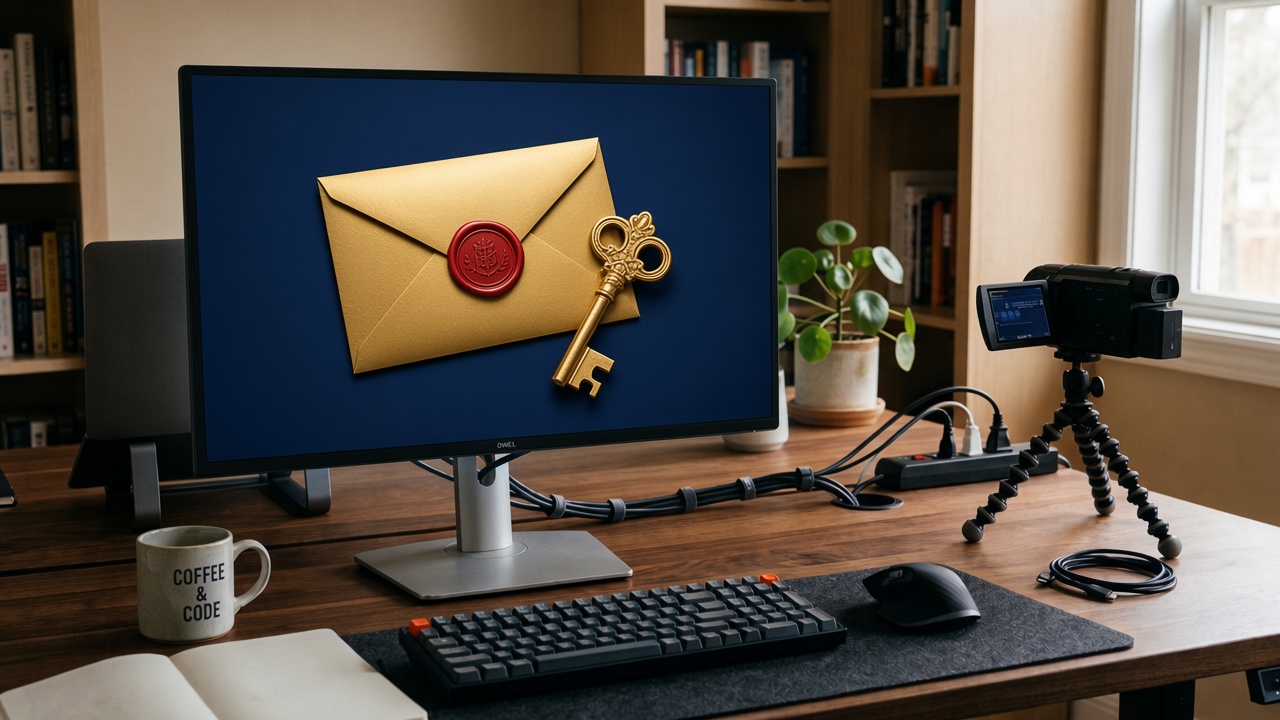
A file only one other person can read
When the file is for someone else, you highlight that one person under Encrypt for. SIMMS uses their public key. You do not type their password, and you do not need their private key.
They open the file in SIMMS with their own key and password. Anyone else who receives the same file cannot read it. That includes you, unless your own name was also highlighted.
This is how you pass confidential information to one person and keep it closed for everybody else.
How it works
- Add that person's public key to Encrypt for.
- Highlight only that name.
- Browse or drop the file, then press Encrypt.
- Give them the .SIM file. They press Decrypt after they unlock SIMMS.