
SIMMS / A group you select
A group you select
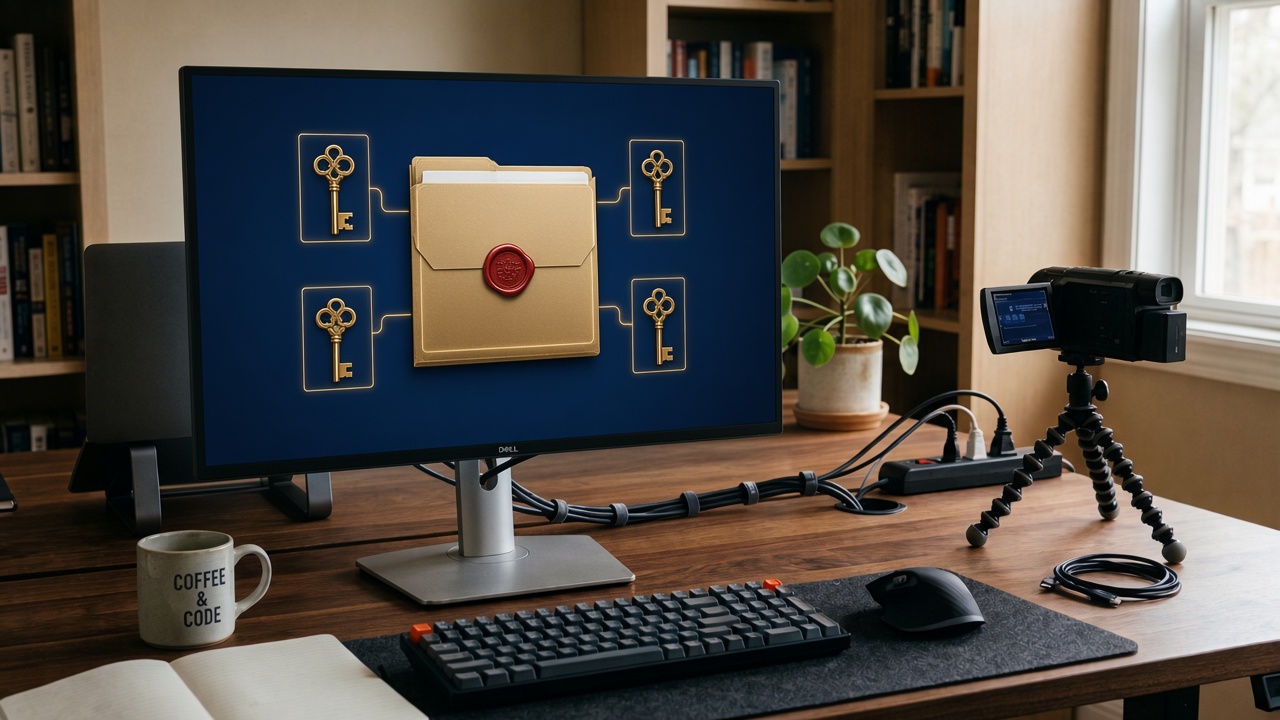
The same locked file, for the people you choose
A confidential file does not have to be for one person only. Highlight each person who is allowed to open it. SIMMS seals one .SIM file for that group.
Each selected person opens it with their own key and password. You still never type their passwords. A person you left off the list cannot open the file, even if they are sent the same copy.
You can include yourself in that group when you also need to open the file later. If your name is not highlighted, the file stays closed for you too.
How it works
- Add each person's public key to Encrypt for.
- Highlight every person who may read the file. Leave everyone else unhighlighted.
- Press Encrypt. One .SIM file is sealed for that group.
- Each selected person presses Decrypt with their own key and password.